CyberSense
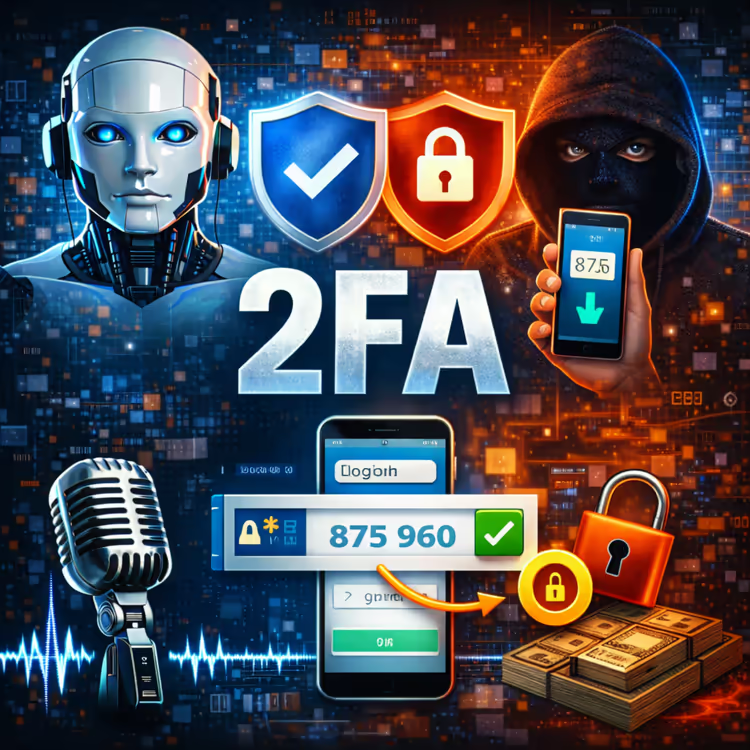
CyberSense Ep. 15 – Two-Factor Authentication (2FA)
A password alone is not enough. 2FA adds a second lock to your accounts – and only you have the key.
🔐 Full transcript: Two-Factor Authentication – Your Digital Bodyguard 🇿🇦
CYBER SENSE ALERT: Two-Factor Authentication (2FA) – Your Digital Bodyguard
A password alone is not enough. Hackers can steal, guess, or buy your password online. Two-Factor Authentication (2FA) adds a second lock to your accounts – and only you have the key.
What is 2FA?
It's a second step after your password. Usually a temporary code sent to your phone via SMS, an authenticator app, or a fingerprint scan. Even if a hacker has your password, they can't get in without that second factor.
Your 3-Step 2FA Action Plan
TURN IT ON EVERYWHERE THAT MATTERS
Start with your email, banking apps, social media, and WhatsApp. Look in "Settings" > "Security" > "Two-Factor Authentication" or "2FA." Enable it immediately.
USE AN AUTHENTICATOR APP
SMS codes are better than nothing, but apps like Google Authenticator, Microsoft Authenticator, or Authy are more secure. They work offline and can't be intercepted by a SIM swap.
SAVE YOUR BACKUP CODES
When you set up 2FA, you'll receive one-time backup codes. Write them down somewhere safe – not on your phone. If you lose your device, these are your way back in.
Quick Tip for SA Users
Most South African banking apps already require 2FA. Make sure it's activated. If you're not sure, call your bank's helpline and ask.
— Declan Hardie, Impact 103